A publisher walkthrough of Impact.com: the marketplace application, applying to brands, what to check in a contract, tracking links and Sub IDs, and how payouts reach your bank.
Nov 3, 2026 · 8 min read
Impact.com runs the partner programs of a long list of well-known consumer and software brands, and for a publisher it works like a network with one account, one balance and one set of payout settings. The part that trips people up is that getting into Impact.com and getting into a brand are two separate approvals, and every brand you join hands you its own contract with its own payout terms, restrictions and locking period.
This guide is for bloggers, review sites, creators and newsletter publishers setting up an Impact.com account for the first time. It covers the marketplace application, how to find and pitch brands, what to check in a contract before you accept it, how tracking links and Sub IDs work, and how money moves from a sale to your bank account.
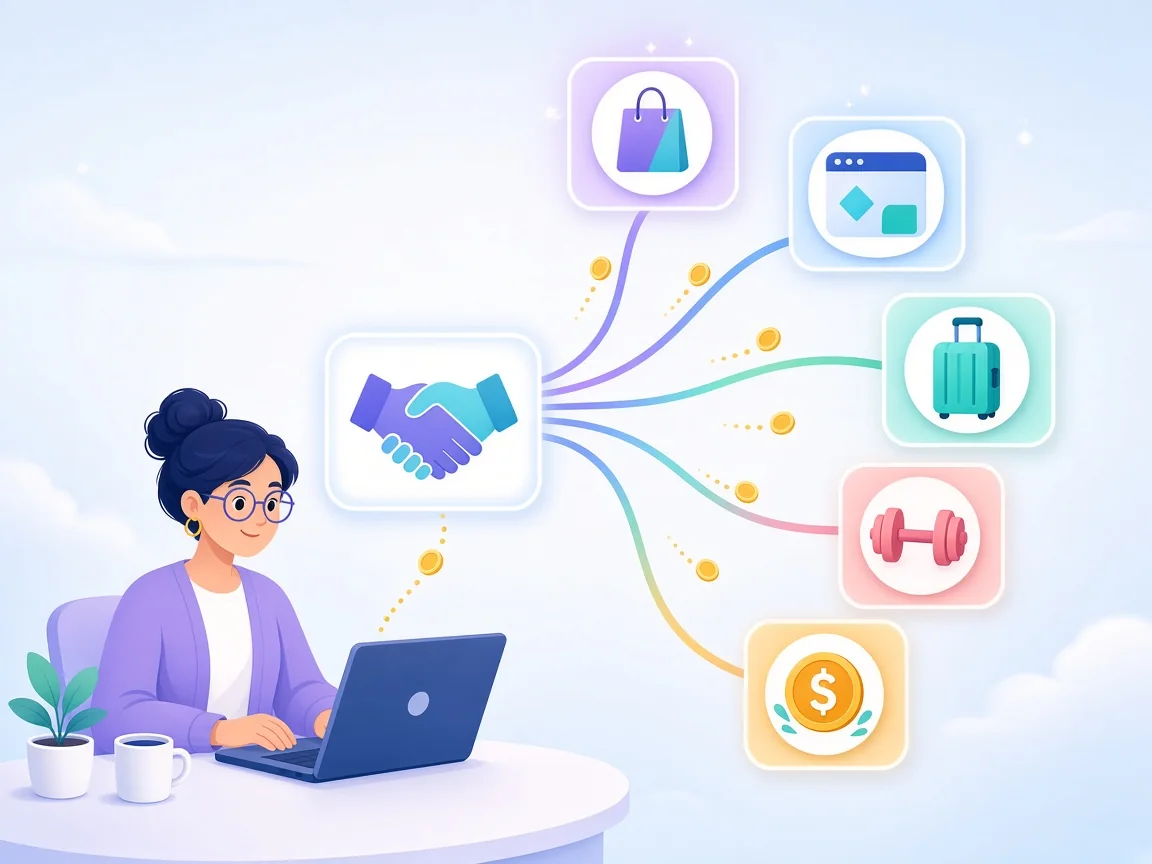
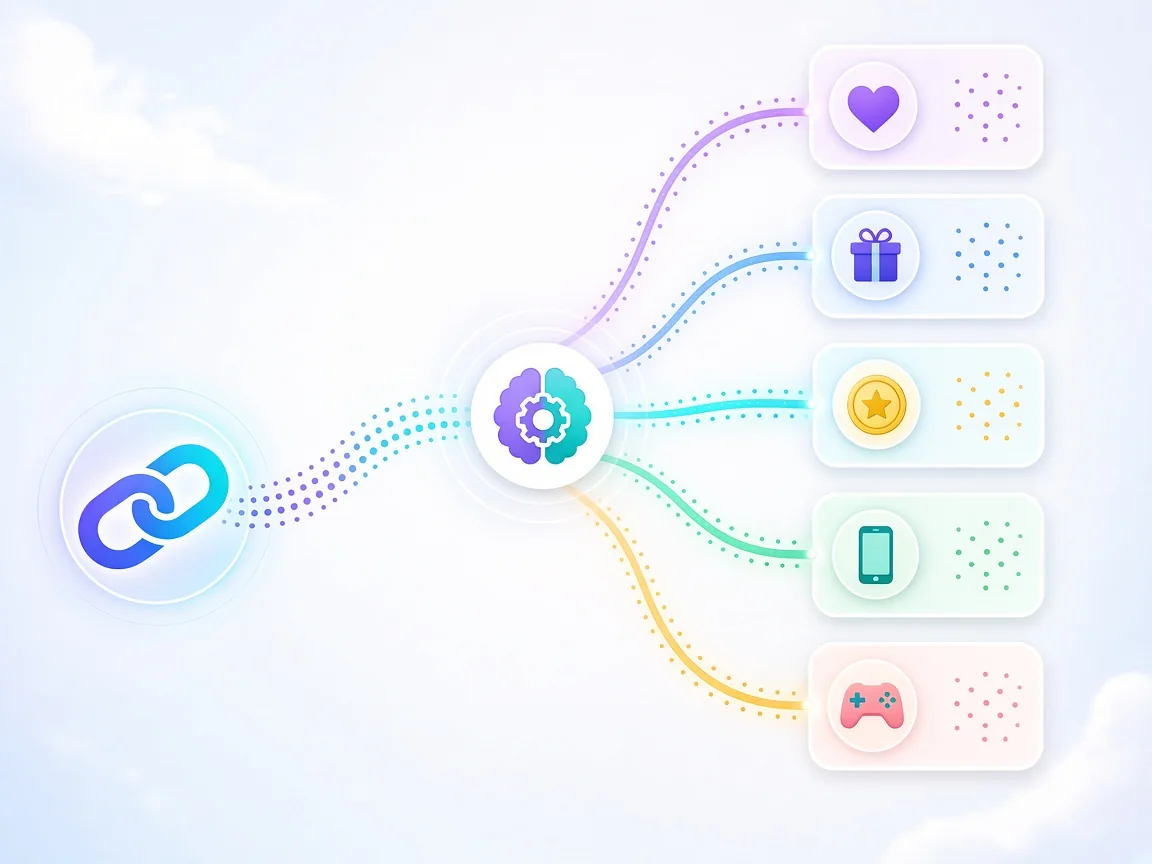
One account, many brand contracts: the marketplace gets you in the door, each contract decides what you earn
What Impact.com is for a publisher
Impact.com is a partnership management platform. Brands pay to use it to run affiliate, influencer and other partner programs; partners sign up, build a profile, and apply to the programs they want. For a publisher, the result looks a lot like an affiliate network: one login, one dashboard, many brands.
The difference from older networks is how much each brand controls. On Impact.com, the brand writes the contract, chooses whether deep linking is allowed, sets how long it can reverse a sale, and decides when it releases payment. The platform handles tracking, invoicing and paying you out. If you've read our Impact vs CJ Affiliate comparison, this is the practical side of that difference.
Step 1: Join the marketplace
When you finish signing up, Impact.com normally submits a marketplace application for you. If you came in through one brand's exclusive signup link, that may not happen automatically, and you'll need to start it yourself from the user profile menu.
The application has a short checklist:
01Accept the agreements. You agree to the Partner User Agreement and the Master Campaign Agreement. The Master Campaign Agreement sits underneath every brand contract you'll sign later.
02Add tax information. Partners based outside the U.S. complete an indirect tax registration at this step.
03Enhance your profile. Upload a logo, write a description of you and your content, add content and interest keywords brands can search, pick your business category, and optionally add a media kit.
04Add and verify your media properties. Websites and social pages you promote from need to be verified.
05Submit.
Impact.com says it reviews marketplace applications for authenticity and compliance and gives a decision within 72 hours. The statuses you'll see are In Review, Approved and Declined. These only describe your marketplace standing. Each brand relationship has its own status (Pending, Active or Declined) that you'll see later.
Stage
Who decides
What you control
Account signup
You
Accurate contact, tax and business details
Marketplace application
Impact.com
Verified properties and a complete profile
Brand application
Each brand
Your pitch and how well your audience fits
Contract terms
Each brand
Whether you accept, and what you negotiate
Payout
Impact.com and the brand
Bank details, tax forms and autopay settings
Treat the profile as your sales page. Brand managers searching the marketplace see your description, content keywords and properties before they see anything else. A specific profile ("UK personal finance blog comparing current accounts and savings apps") gets more invitations and faster approvals than a generic one. Our guide on what affiliate managers look for in publishers covers what reviewers check.
Step 2: Find brands and apply
Once you're approved, brands become visible under Discover → Brands. You can search by name, category or keyword and open each brand to see its program description and the terms on offer.
A few habits make applications land:
Apply in a cluster. Pick three to five brands that fit one content topic, rather than applying to everything in a category.
Say what you'll publish. A note that names the article, video or newsletter section you have planned beats a blank application.
Show the audience. Mention your main traffic country and the kind of buyer you reach. Brands often decline partners whose traffic doesn't match the markets they ship to.
Expect invitations too. Brands can send you a proposal directly. A complete profile is what makes that happen.
A decline isn't always permanent, but a brand can block a partner from reapplying, so it's worth applying once with a strong pitch rather than repeatedly with a weak one.
Step 3: Read the contract before you accept
This is the step most new partners rush. When a brand accepts you, or sends you a proposal, you're agreeing to a binding contract. You can review any active contract later from Manage → My Brands, then the brand's tile, then View And Manage Contract.
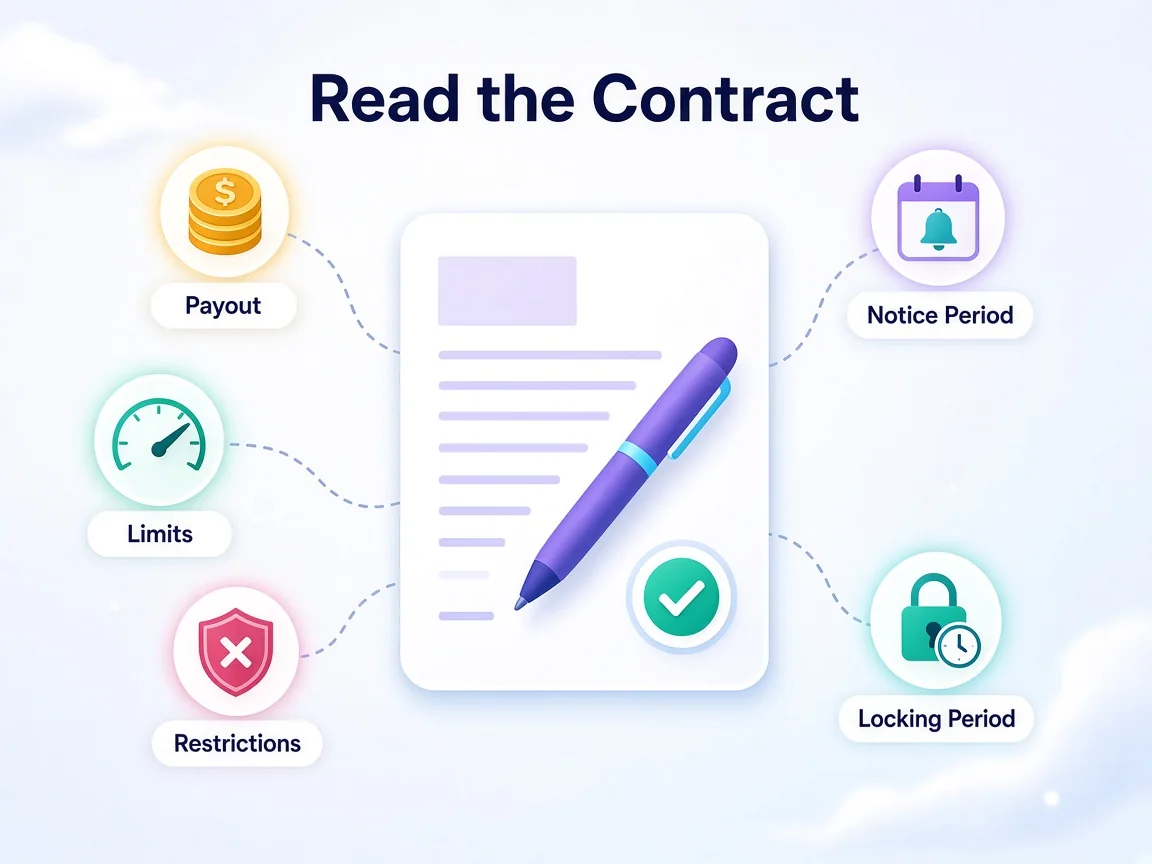
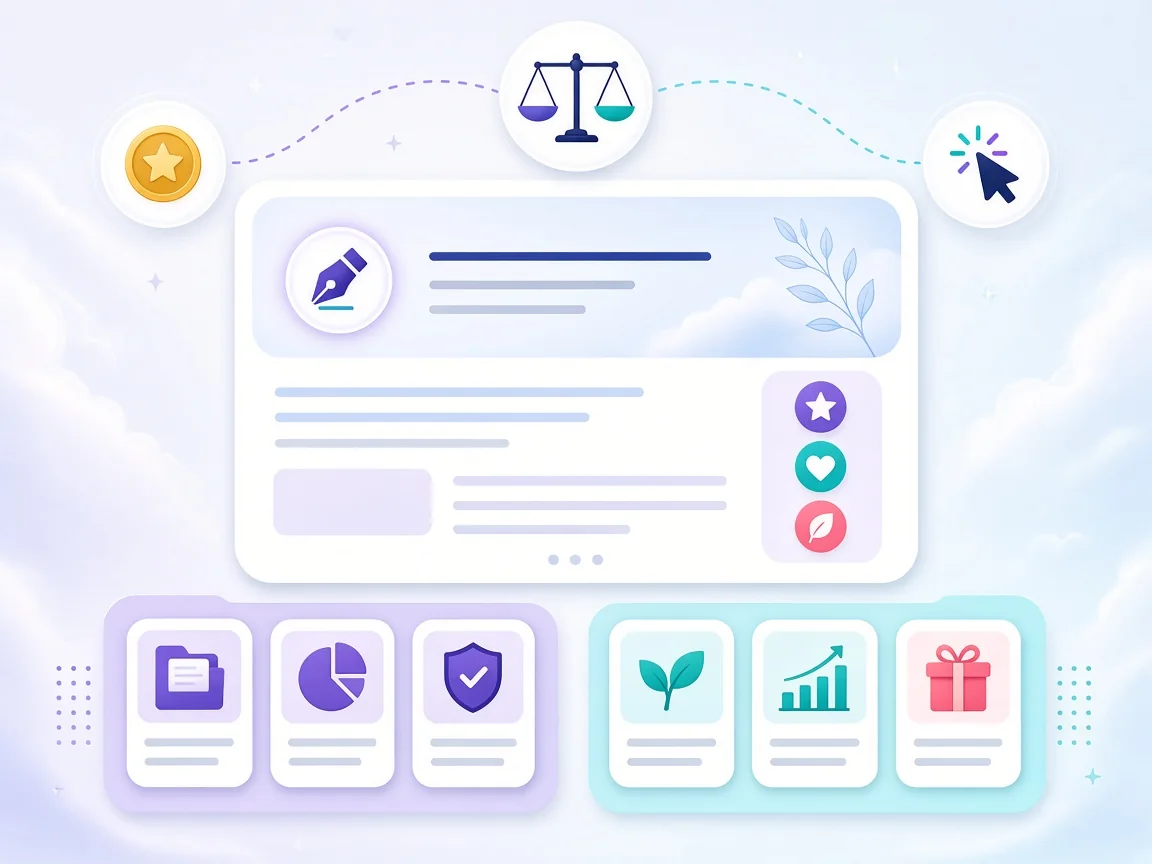
Five parts of an Impact.com contract decide whether your traffic actually gets paid
Contract section
What it tells you
What to watch for
Payout details
Percentage, fixed amount or CPC per action
Different rates for new versus returning customers
Payout restrictions
Conditions that make an action unpayable
Excluded products, coupon use, certain traffic types
Limits
Caps on actions or total payout per period
Actions over the cap are marked Exceeded Action Cap or Outside of Terms
Notice period
How far ahead the brand must warn you before changing terms
A 0-day notice period means terms can change at any time
Schedule
Action locking period and payout scheduling period
Long locking periods delay your money
Impact.com's own guidance flags two contract terms that can work in your favour: an extra CPC payout on top of commission, and a minimum effective payout (min. EPC), where the brand guarantees a floor on what your clicks earn. Both are worth asking about if you send meaningful traffic.
Step 4: Create tracking links
The link generator appears on your dashboard once you've joined at least one program. The quickest way to use it is to paste the exact page you want to promote into the Create a link search box. Impact.com matches it to the right program and gives you a ready-to-copy tracking link. You can also search by brand name for the program's default landing page, or use the Chrome extension.
Two caveats. Some brands disable deep linking, so your links can only point to their default landing page. And new short links can take a minute to start working, so test before you publish.
The Advanced options let you add reporting parameters:
Parameter
Who sees it
Use it for
SubId1, SubId2, SubId3
You only
Which page, placement or channel drove the click
SharedId
You and the brand
Information the brand should also see, such as a sub-affiliate or campaign label
Vanity link
Everyone who sees the URL
A readable, branded link slug
Each Sub ID and Shared ID accepts up to 255 alphanumeric characters. Stick to letters and numbers. A simple scheme such as subId1=blog, subId2= the article slug and subId3= the placement is enough to see which pages earn. Our guide to Sub IDs in affiliate tracking goes deeper.
Step 5: Understand how you get paid
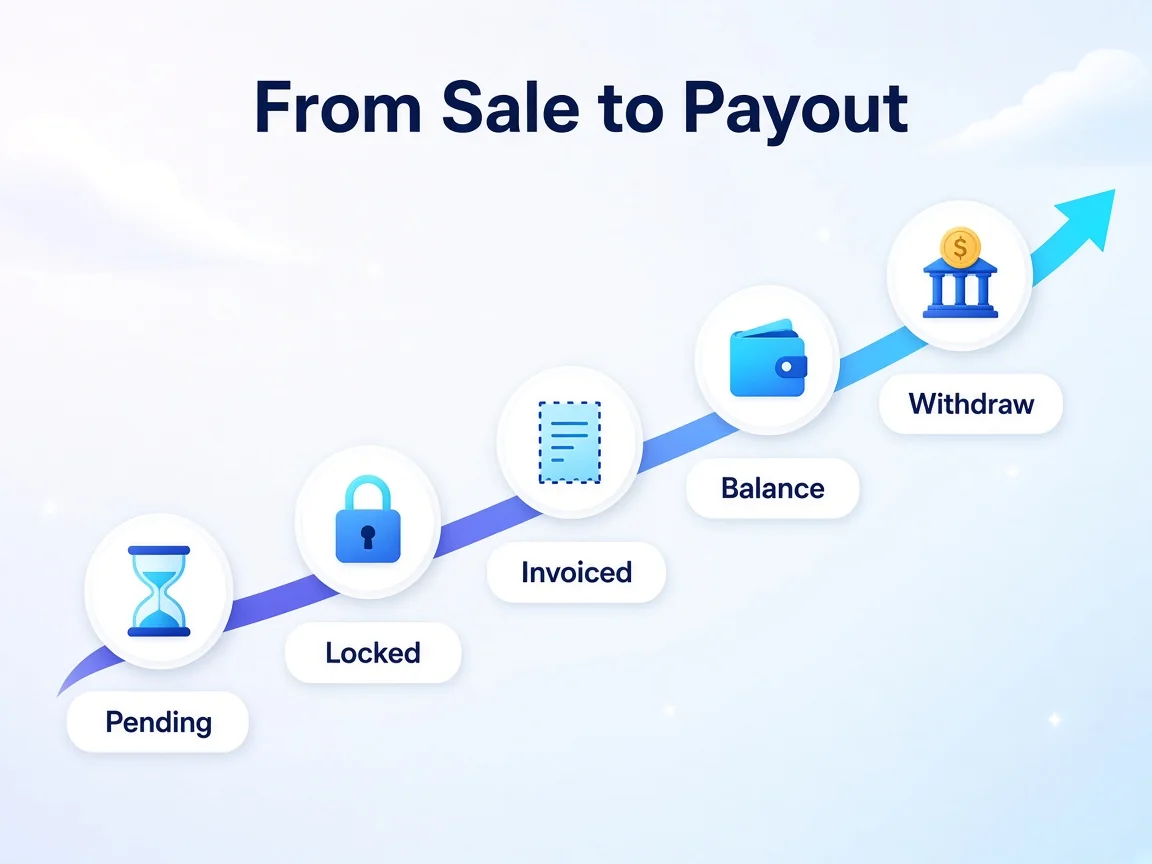
Every action you drive moves through a set of statuses before it reaches your balance.
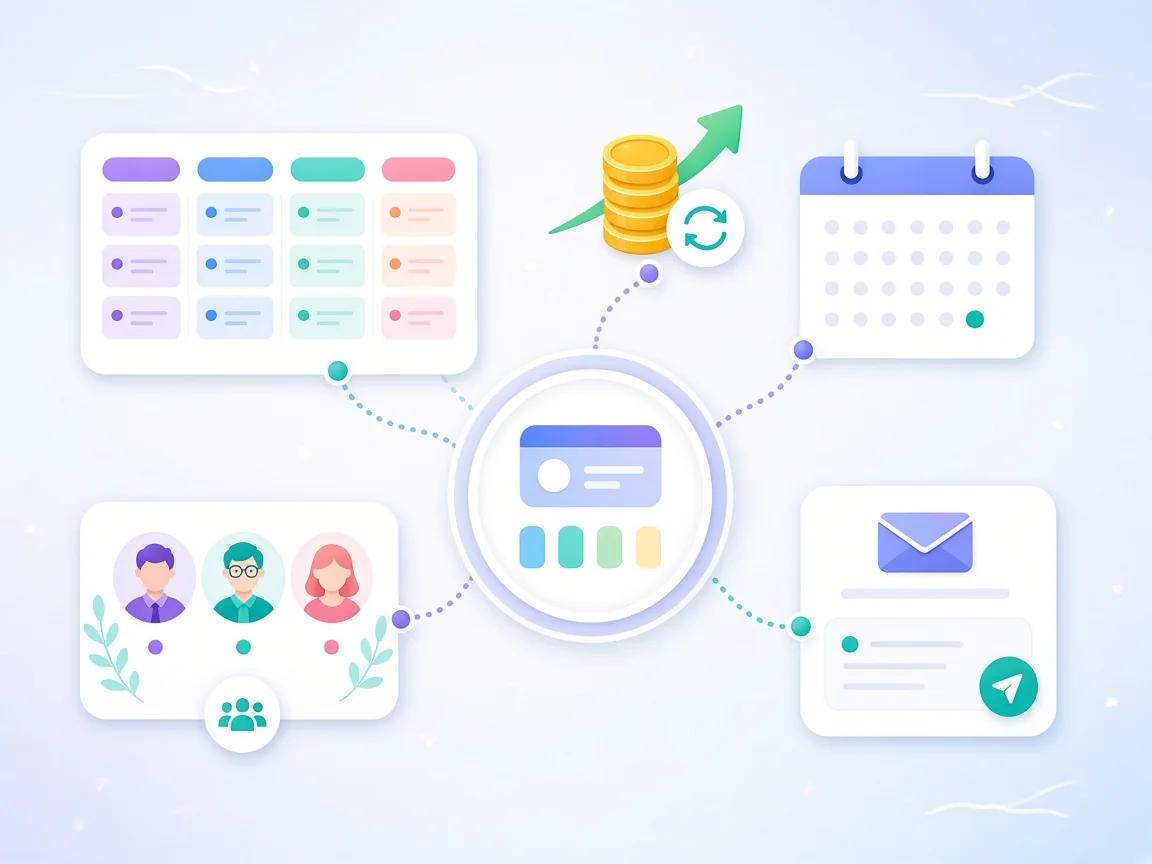
A sale becomes withdrawable only after the brand's locking period, invoicing and funding checks
Action status
What it means
Pending
Waiting to be finalised; the brand can still modify or reverse it
Locked
The locking date has passed and the commission is due
Clearing
Payout happens on the clearing date if the brand has funds
Overdue
The brand didn't have enough funds on the clearing date
Reversed
Voided, for example after a return or cancellation; no commission
After an action locks, Impact.com says the invoicing period typically stretches over two to three weeks, then the brand's own payout scheduling period applies. Once the brand's account is funded, the money moves into your available balance.
Your side of the payout is set under Settings → Finance → Bank Account, and you need two-factor authentication turned on to reach it.
Payout item
What Impact.com states
Minimum withdrawal
$10 USD or the equivalent in your account currency
Autopay options
When your balance passes a threshold you choose, or on the 1st or 15th of the month
Methods
Domestic bank transfer (ACH/EFT), international wire, or PayPal, depending on currency and country
Bank transfer timing
3–5 business days after the payment run settles
PayPal fee
2% processing fee, capped at $20 or the currency equivalent
Changing bank details
Triggers a 48-hour pause on withdrawals
Impact.com checks every Tuesday and Thursday whether your account qualifies and your autopay criteria are met. It also warns against the fixed-day option if you work with more than one brand: if a brand funds its account after your chosen date, that money waits until the next month. A balance threshold avoids that. For how locking periods and thresholds compare across networks, see how affiliate payouts work.
The platform behind this guide
The card below pulls Impact.com's live details from the Affground directory.
Treating marketplace approval as brand approval. An approved profile only lets you apply; each brand still decides.
Accepting a contract without reading restrictions. Excluded products and coupon rules are the most common reason actions are reversed.
Ignoring the notice period. With a 0-day notice period, the brand can cut your rate the day after you publish.
Assuming deep links work everywhere. Check the brand allows them before you build content around product-level links.
Leaving tax and bank details until payday. Payouts are blocked until your banking details are approved and the right tax documents are on file.
Picking the fixed-day schedule with many brands. Late-funding brands push your money into the next cycle.
Affground's verdict
Impact.com is worth setting up properly once, because the same account opens doors to many brands. Get the marketplace profile specific, apply to a tight group of brands that fit your content, read every contract's restrictions and notice period before accepting, tag links with Sub IDs from day one, and choose a balance-threshold payout so slow-paying brands don't hold up the rest.
Frequently asked questions
How long does Impact.com take to approve a new partner?
Impact.com reviews marketplace applications for authenticity and compliance and says you'll get a decision within 72 hours. Each brand then reviews your application to its own program separately.
Does Impact.com marketplace approval mean brands have accepted me?
No. Marketplace approval makes your profile visible and lets you apply to programs. Each brand decides whether to accept you, and your status with each brand (Pending, Active or Declined) is tracked separately.
What is the minimum payout on Impact.com?
Impact.com states a minimum payout threshold of $10 USD, or the equivalent in your account currency. You can set a higher balance threshold, or choose automatic withdrawal on the 1st or 15th of the month.
How do partners get paid on Impact.com?
By domestic bank transfer (ACH/EFT), international wire or PayPal, depending on your country and account currency. Bank transfers arrive 3–5 business days after the payment run settles; PayPal carries a 2% processing fee capped at $20 or the currency equivalent.
Why is my Impact.com commission still pending?
Actions stay pending until the brand's action locking period ends, because the brand can modify or reverse them during that time, for example after a return. After locking, invoicing typically takes two to three weeks, and payout also depends on the brand funding its account.
What does a 0-day notice period mean in an Impact.com contract?
It means the brand can change your contract terms, including your payout rate, at any time without advance notice. A longer notice period gives you time to adjust or negotiate.
Can I deep link to any page on a brand's site?
Only if the brand allows it. Some brands disable deep linking or the link generator, so your links can only point to their default landing page. Check before building content around product-level links.
What is the difference between a Sub ID and a Shared ID?
Sub IDs (SubId1 to SubId3) appear only in your own reporting, so they're useful for tracking pages and placements. A Shared ID is visible to both you and the brand. Each accepts up to 255 alphanumeric characters.